

- Processing modules
- User data
- Documents
- Biometrics
- Checks
- Audit logs
Export a session to PDF
To export a journey session:- Log in to your GBG Go account.
- Click Investigation. The investigation portal opens.
- Click the Session ID of the session that you want to export. The session details page opens.
- Click Export in the top-right corner of the page. The Export session dialog appears.
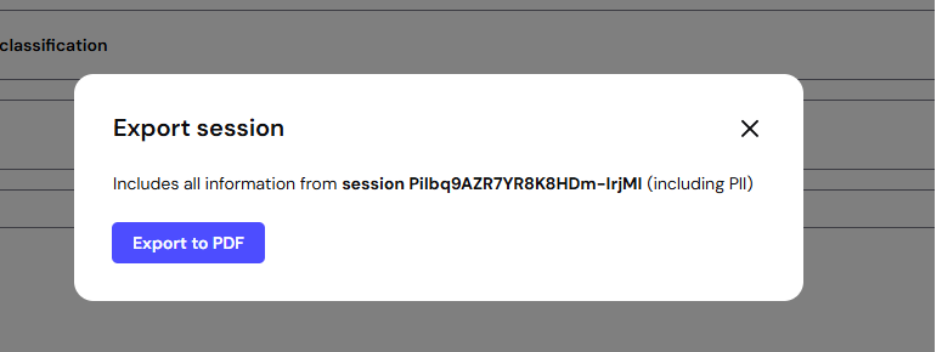
- Click Export to PDF. The PDF file downloads to your device automatically.